30 levels, home row to exam mock
Each level is a few short screens: new keys, a drill, words, a sentence, then a check. The last level is a full final attempt.
Zero to exam-ready — English + Hindi
Learn to type without looking, one small step at a time: the home row first, then every key exams use, then long passages under real exam rules. English and Hindi (Remington GAIL, Kruti Dev and Inscript) are in one purchase.
Access for 6 months from the day you enroll.
Each point below is a feature you can open and use in the course.
Each level is a few short screens: new keys, a drill, words, a sentence, then a check. The last level is a full final attempt.
A level clears at its accuracy floor (90% or more) and minimum speed. A key fixed with Backspace still counts as a miss, so you build clean habits.
Shift, punctuation, the number row and the symbols used in exam passages each get their own levels.
The course records each key you type, shows the slow and error-prone ones on a heatmap and builds a practice drill from them.
Backspace-off typing, KDPH/DEST counting, SSC full and half mistakes, the RRB allowance and CPCT NWPM, judged on your own attempt.
Two Hindi tracks come with the same purchase. What you type is Unicode, so it is Mangal-compatible.
Pick 10 to 30 minutes a day; only active typing counts. One rest day a week does not break your streak.
Issued after you pass Level 30 (30 WPM at 95% accuracy), scored on our server. It is not a government certificate.
Start with any track; each keeps its own levels, stars and weak keys.
QWERTY from the home row to a full exam mock. Level 30 is the final attempt, scored on our server, that unlocks the certificate.
Remington GAIL in typewriter order (ि before the consonant). Kruti Dev can be chosen as the layout: the keys are the same except the danda, nukta and a few symbols.
Inscript, the phonetic layout behind Mangal typing. What you type is always Unicode.
The first English units as you will see them. A level opens when you clear the one before it.
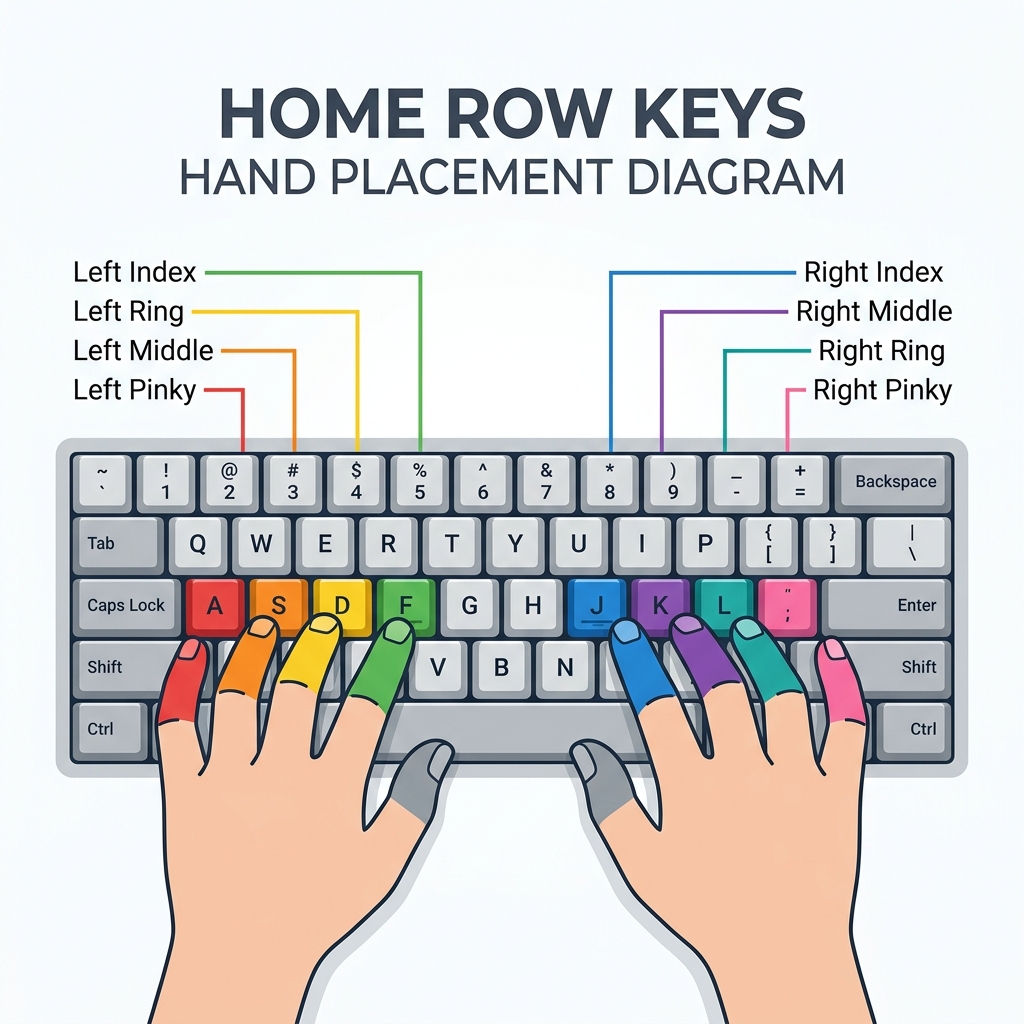
F J and Space, then D K, S L, A ; and G H: every finger on its home key, first words.
R U, E I, T Y, W O and Q P, reached from the home row; everyday words and short sentences.
3 tracks, 66 levels and the certificate level in one purchase for ₹199.
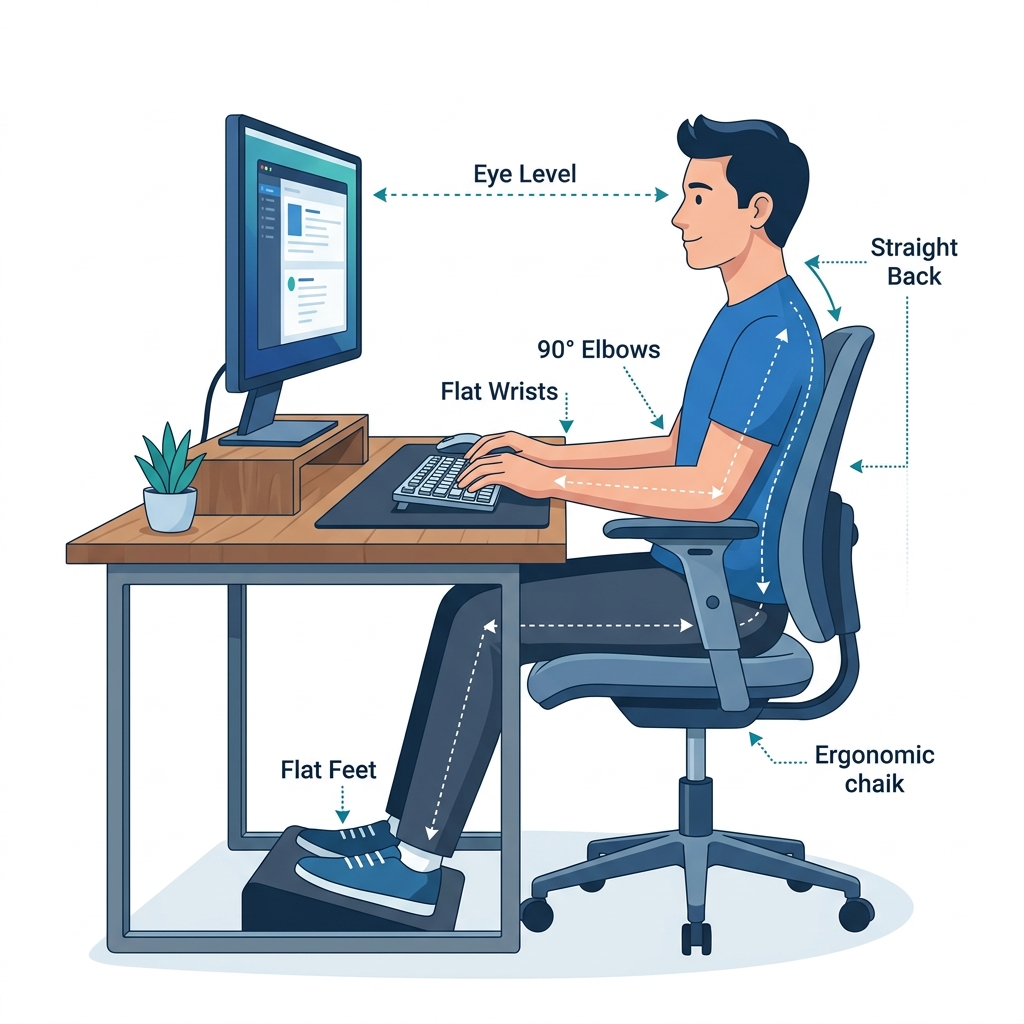
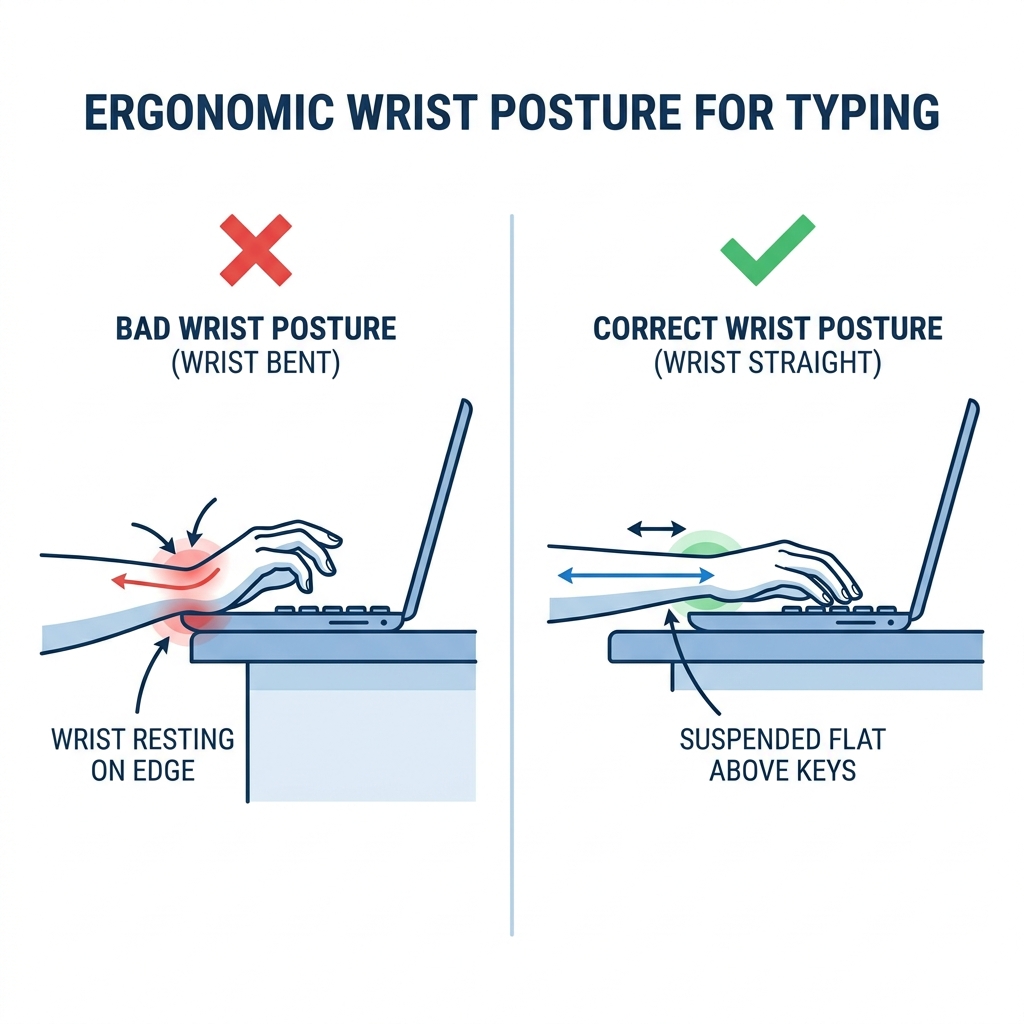
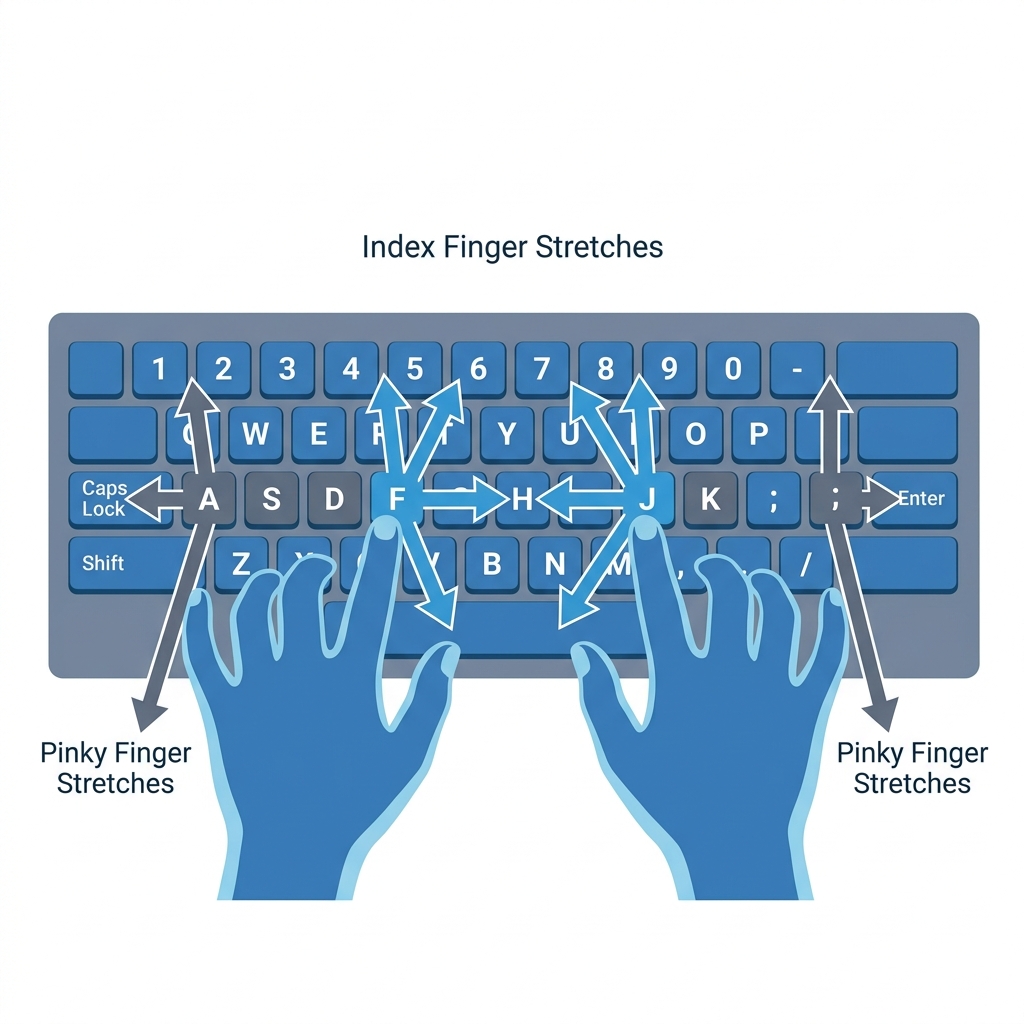
Set up once; every level assumes this position.
How the course works, in plain words.
No. Level 1 starts with F, J and the space bar. Each level adds a few keys, so a complete beginner can follow it, and exam candidates can use the later units for exam rules and long passages.
Level 1 is open from the start. A level opens when you clear the one before it in the same track. You clear a level on its check screen by reaching its first-try accuracy floor (90% or more) and its minimum speed. Completed levels stay open for replay.
First-try accuracy counts a key as wrong if the first press was wrong, even if you fixed it with Backspace. One star clears the level, two stars mean you also reached the accuracy goal (97%), three stars add the speed goal. Your best stars are kept.
Remington GAIL (typewriter order), with Kruti Dev available as the layout, and Inscript. Output is Unicode, which Mangal displays. Check the font and layout printed in your own exam notice.
Each level shows its rough time on its card. Published typing tutors estimate about 4–10 hours of practice to learn the letter keys; reaching exam speed takes longer and differs from person to person, so we do not promise a date. Short daily sessions work better than long ones.
Pass English Level 30 with at least 30 WPM and 95% accuracy. That attempt is timed and scored on our server, and the certificate prints that result with a QR code anyone can verify. It is a TypingHub certificate, not a government one.
Yes, when you are signed in: progress is saved to your account and merged with what each device has. TypingHub runs in the browser; on a phone or tablet, connect a USB or OTG keyboard, because exams are typed on a full-size keyboard.
Write to the TypingHub support team and we will reply by email.